Explore video tutorials to get started with MX Keypad, as well as tips and tricks to expand the potential of your MX Keypad.
IDE Control
Achieve seamless workspace control. Speed up navigation, comment code instantly, and launch debug faster.
MX Keypad unifies your workflow, combining AI, macros, quick app actions, and prompts into a streamlined control center.

MX Keypad gives you instant access to your entire environment, swapping cluttered clicks for one-tap actions.
Achieve seamless workspace control. Speed up navigation, comment code instantly, and launch debug faster.
Streamline AI and automation. Trigger GitHub Copilot agents in VS Code with one tap or run complex Git sequences.
Toggle between apps like Slack and Zoom seamlessly. The keypad layout adapts automatically, providing the right productivity controls exactly when needed.
Your Keypad evolves with new tools. Use the Logi Actions SDK and AI-friendly docs to build plugins, automate workflows, or create new solutions with JavaScript or C#.
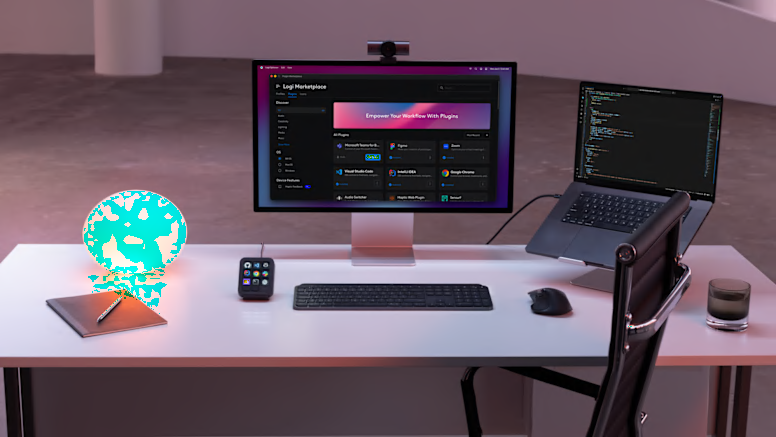
Download featured community-built plugins from the Logi Marketplace to expand your keypad's capabilities.
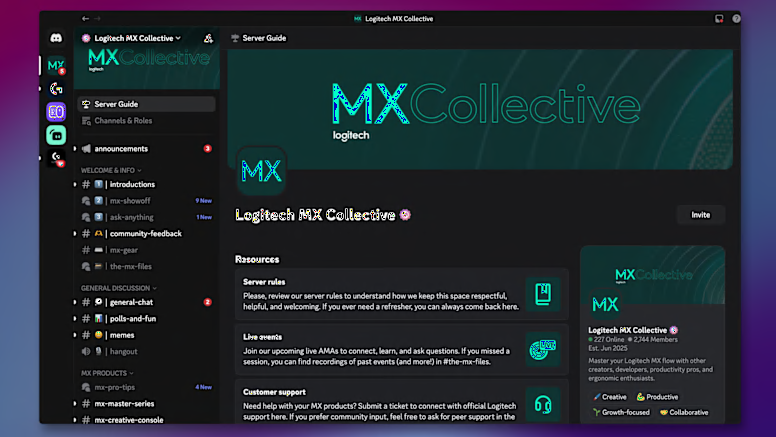
Connect with fellow power users to ask questions, share insights, and exchange tips and tricks on our dedicated Discord channel.
These step-by-step tutorials demonstrate how to maximize your keypad's capabilities.