
Power delivery
Never run out of power when hosting a video meeting: Swytch provides 60 watts of power to laptops that charge via USB-C.
Get in touch with a Logitech expert about workspace solutions for your business.
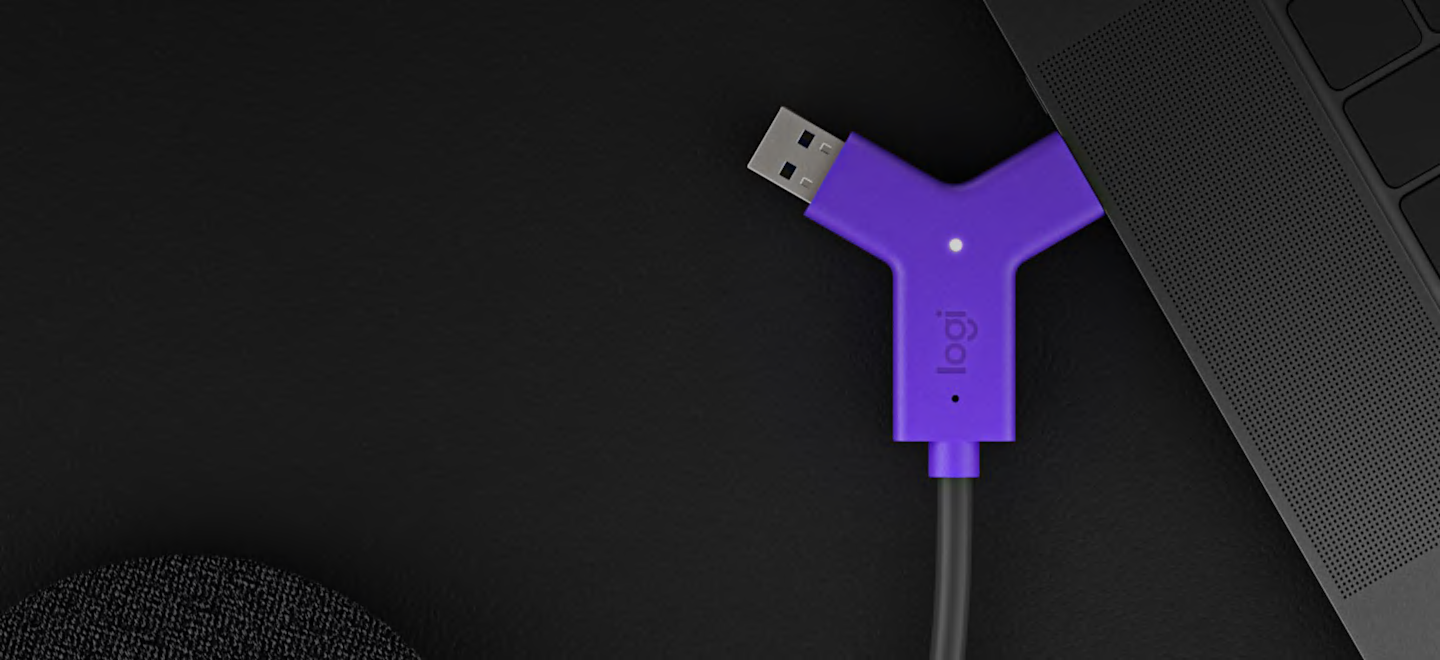


With Swytch, you can deploy video conferencing room solutions from providers like Microsoft or Zoom, while also allowing people to use meeting rooms with other video services.
It’s easy to deploy Swytch in rooms that use USB-connected conference cameras, video bars, or modular cameras. Simply connect the Swytch Hub to the meeting room equipment, place the Swytch Connector within easy reach and use your video conferencing service of choice.
In rooms using USB cameras such as MeetUp, simply connect the Swytch Hub to the camera and place the Swytch Connector within reach.
1. Logitech Tap 2. Swytch Connector 3. Swytch Extender 4. Swytch Hub 5. Meeting Room Computer 6. USB Conference Camera 7. USB Cables 8. HDMI Cables 9. Power
Swytch integrates beautifully with your meeting rooms. Keep the tabletop clean and organized with the included magnetic dock, or route the Swytch Connector through an existing cable well. Either way, robust cable retention keeps connections tight.

Never run out of power when hosting a video meeting: Swytch provides 60 watts of power to laptops that charge via USB-C.
Thanks to DisplayLink Plug-and-Display technology, a single connection is all you need for both USB devices and an HDMI display.

Play full-motion video and audio from a laptop on the room’s display and speakers, or into online meetings.*

Featuring both USB Type A and Type C connectors, Swytch works with Chromebooks and Windows and Mac laptops with USB 3.0.

Monitor and manage Swytch, MeetUp, Rally, and other meeting room devices with Logitech Sync.

From wiring diagrams to quick reference cards, a range of deployment resources simplify installation and make it easy to introduce Swytch to end users.