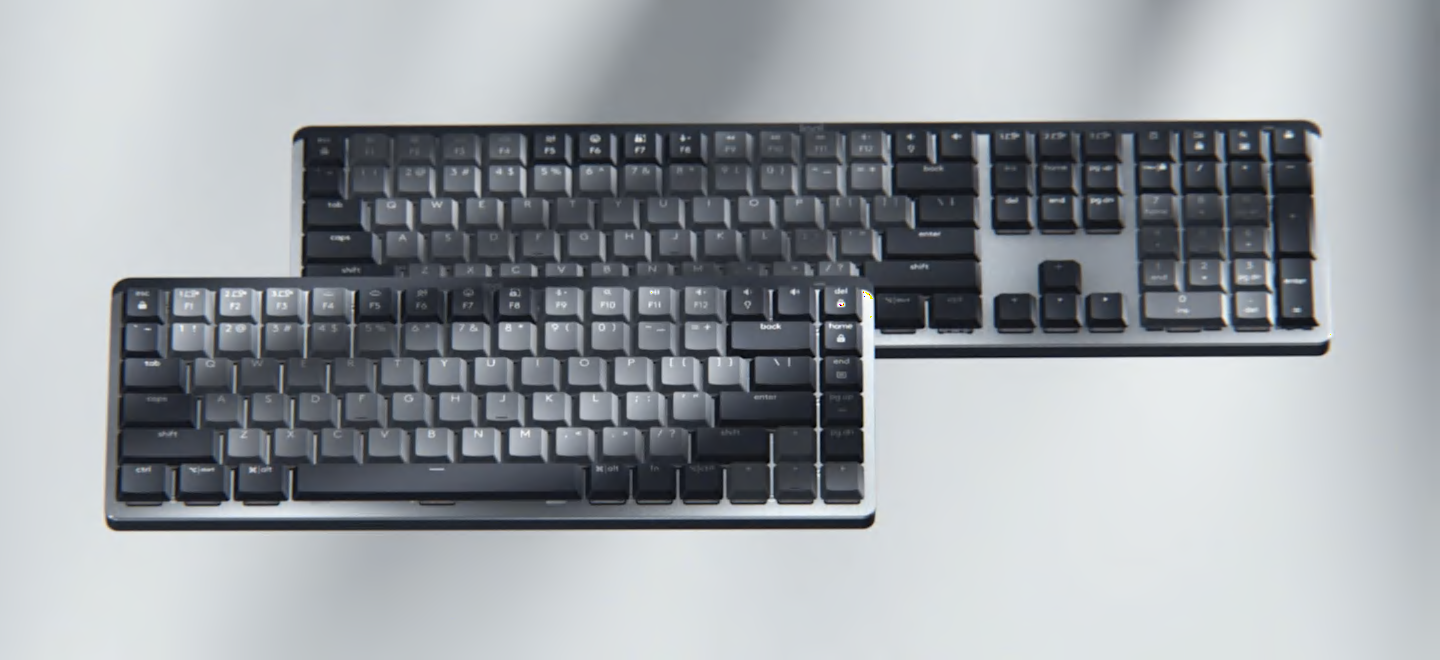
Ultra fluid mechanical typing
Low-profile mechanical switches offer a deep and reassuring typing feel. Your fingers glide effortlessly across the matte surface of the keys – and dual color keycaps make it easy to orient your fingers and stay in your flow.
Ultra fluid mechanical typing
Low-profile mechanical switches offer a deep and reassuring typing feel. Your fingers glide effortlessly across the matte surface of the keys – and dual color keycaps make it easy to orient your fingers and stay in your flow.
3 unique switch types
MX Mechanical is outfitted with one of three switches that each have a distinct feel and sound – Tactile Quiet, Clicky and Linear. Choose the mechanical switch type that matches your style and preference of feel.
3 unique switch types
MX Mechanical is outfitted with one of three switches that each have a distinct feel and sound – Tactile Quiet, Clicky and Linear. Choose the mechanical switch type that matches your style and preference of feel.
Smart illumination. Non-stop performance
The backlit keys magically light up when your hands approach, and automatically adjust to suit your lighting conditions. You can also choose between a variety of immersive backlighting effects in Logi Options+
Smart illumination. Non-stop performance
The backlit keys magically light up when your hands approach, and automatically adjust to suit your lighting conditions. You can also choose between a variety of immersive backlighting effects in Logi Options+
Multi device. Multi OS.
Easily switch between up to 3 devices at the push of a button. Compatible with Windows, macOS, ChromeOS, Linux, iPadOS.
Multi device. Multi OS.
Easily switch between up to 3 devices at the push of a button. Compatible with Windows, macOS, ChromeOS, Linux, iPadOS.
Do more with Logi Options+
Work across devices and operating systems, change Fn key functions, select backlighting effects, assign app-specific profiles and Smart Actions shortcuts to optimize nearly every aspect of your workflow.
Do more with Logi Options+
Work across devices and operating systems, change Fn key functions, select backlighting effects, assign app-specific profiles and Smart Actions shortcuts to optimize nearly every aspect of your workflow.